
QR Sniper
Finds QR codes on your screen and turns them into clickable links, for when there's no phone in reach.
- TYPE
- Chrome extension
- STATUS
- Built, not published
- DEPENDENCIES
- None, no network calls
Why it exists
A QR code on a desktop screen is a dead end without a phone. QR Sniper reads it right there and gives you the link.
How it works
Scan the page
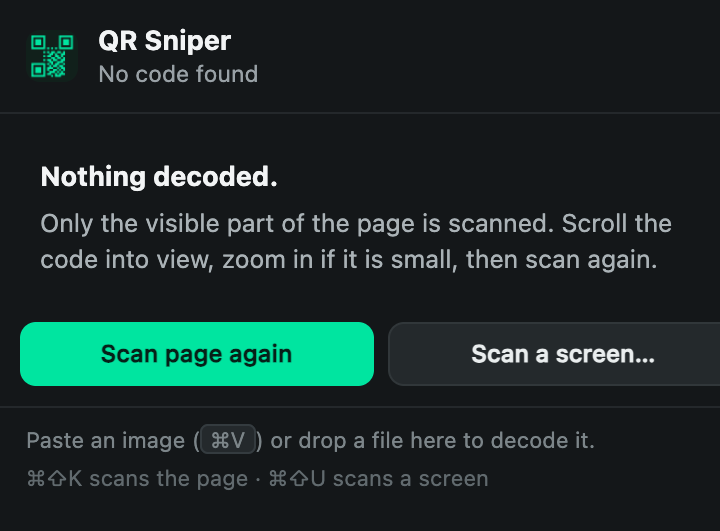
Click the icon or press ⌘⇧K. Codes get a numbered bracket, matched to a results panel.
Scan any screen
⌘⇧U scans outside the browser: the Instagram app, Slack, a Zoom slide, a photo in Preview.
Right-click or paste
Right-click an image, or paste a screenshot into the popup.
- Reads QR plus Data Matrix, Aztec, PDF417 and common barcodes
- Recognises links, Wi-Fi details, contacts, events, email and phone
- Uses the browser's built-in barcode detector, no libraries