Acronym Digital
Eight small tools I built with Claude to take the busywork out of my design job. Most of them only live in my own files.
- ROLE
- Product designer
- BUILT WITH
- Claude, JavaScript, Figma Plugin API, Chrome MV3
- TOOLS
- 5 Figma plugins, 3 Chrome extensions
- STATUS
- Internal, not published

01
Why I built them
Small, repetitive tasks eat a surprising amount of a design day. When one annoyed me enough, I designed a fix and built it with Claude.
Most of these never left my own files, so this page shows what each one does rather than a full flow.
FIGMA PLUGIN
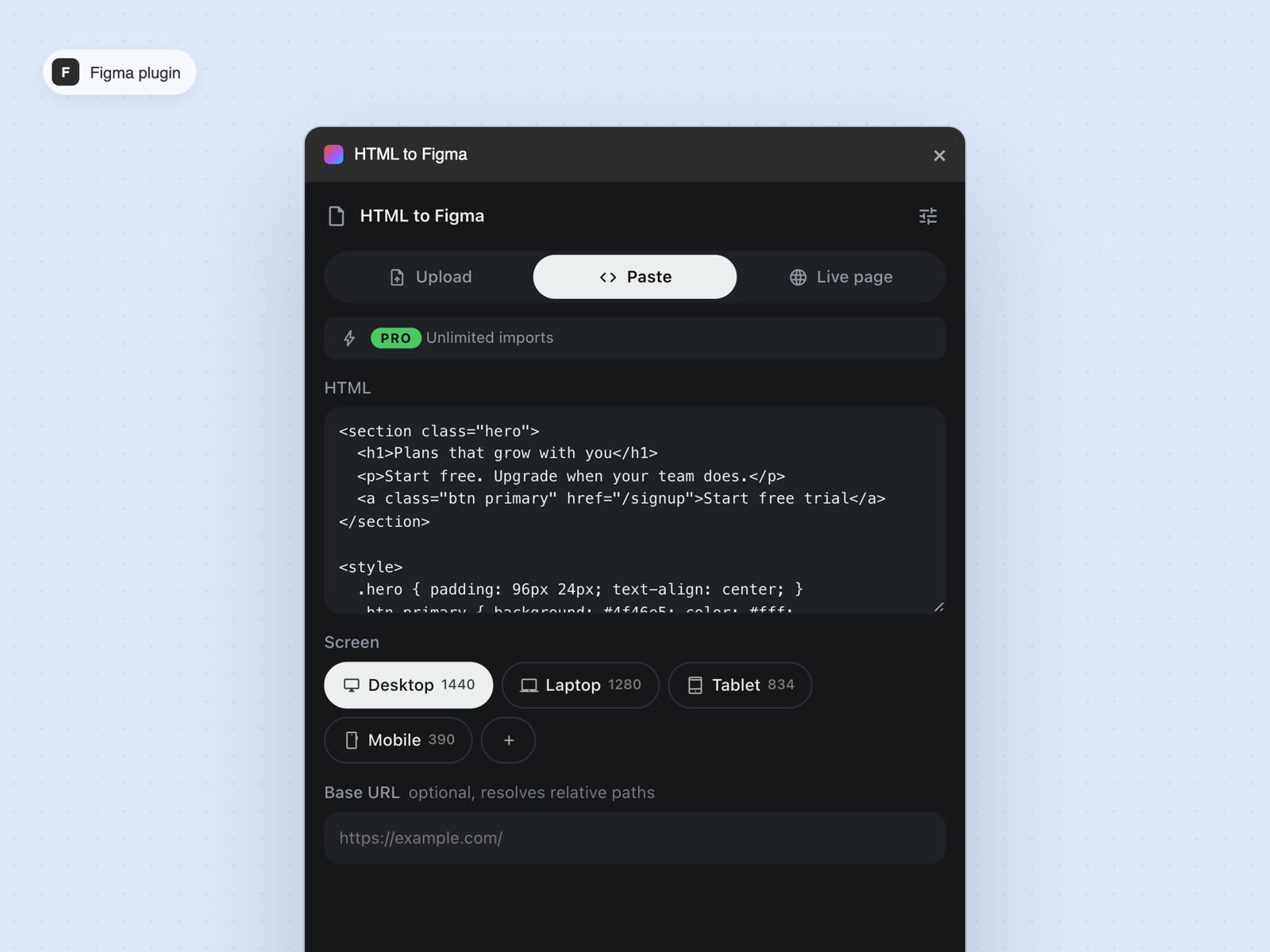
HTML to Figma
The import tools I tried were choppy, and the accurate ones cost too much. This one renders the HTML in a real browser first, then rebuilds each element as native Figma layers, so the result matches the page.
FIGMA PLUGIN
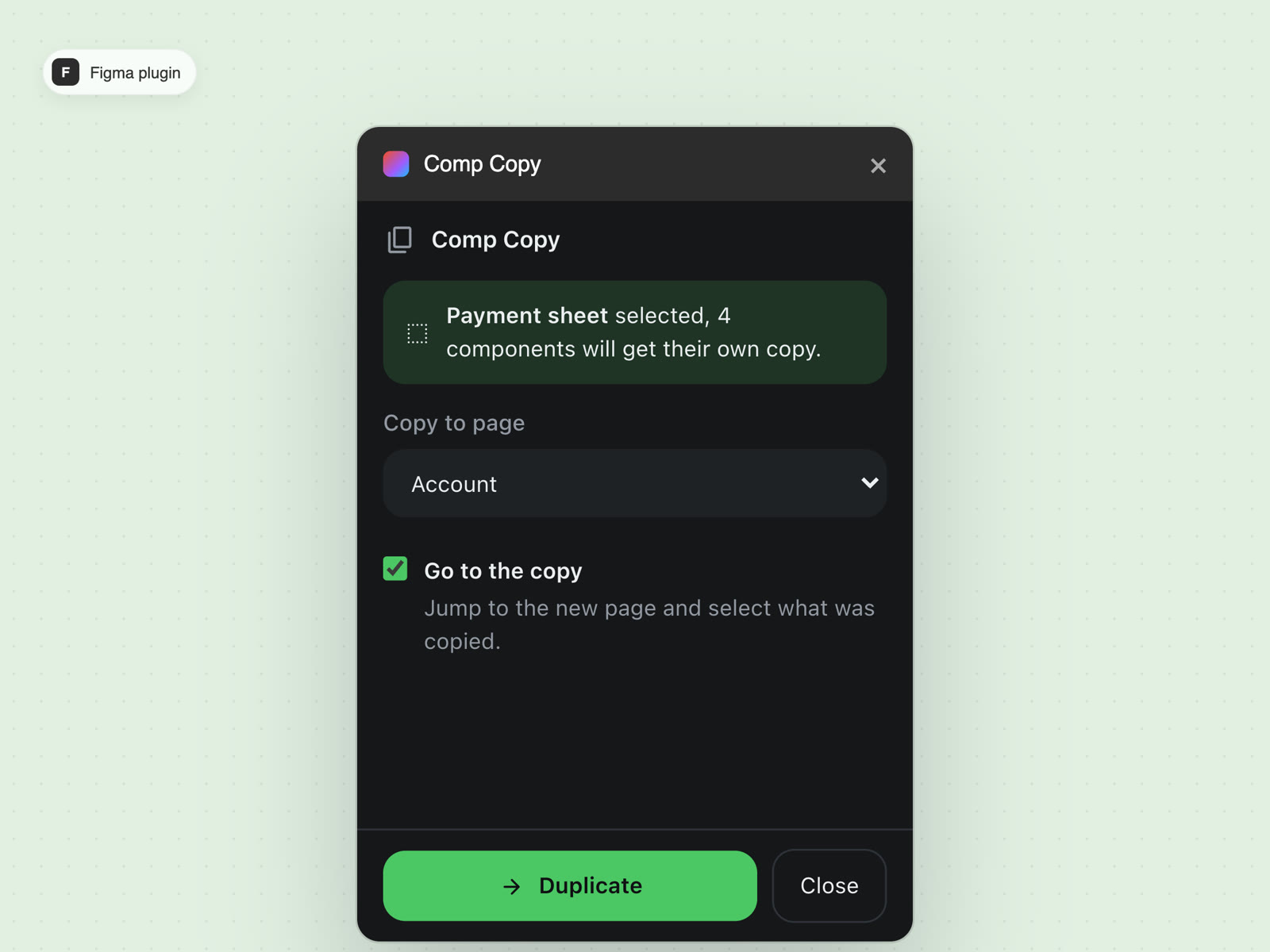
Comp Copy
Copying components to another page either breaks them or keeps them linked to the original. The workaround was pasting into a scratch file and back. Comp Copy sends a section to any page and gives every component there its own copy.
FIGMA PLUGIN
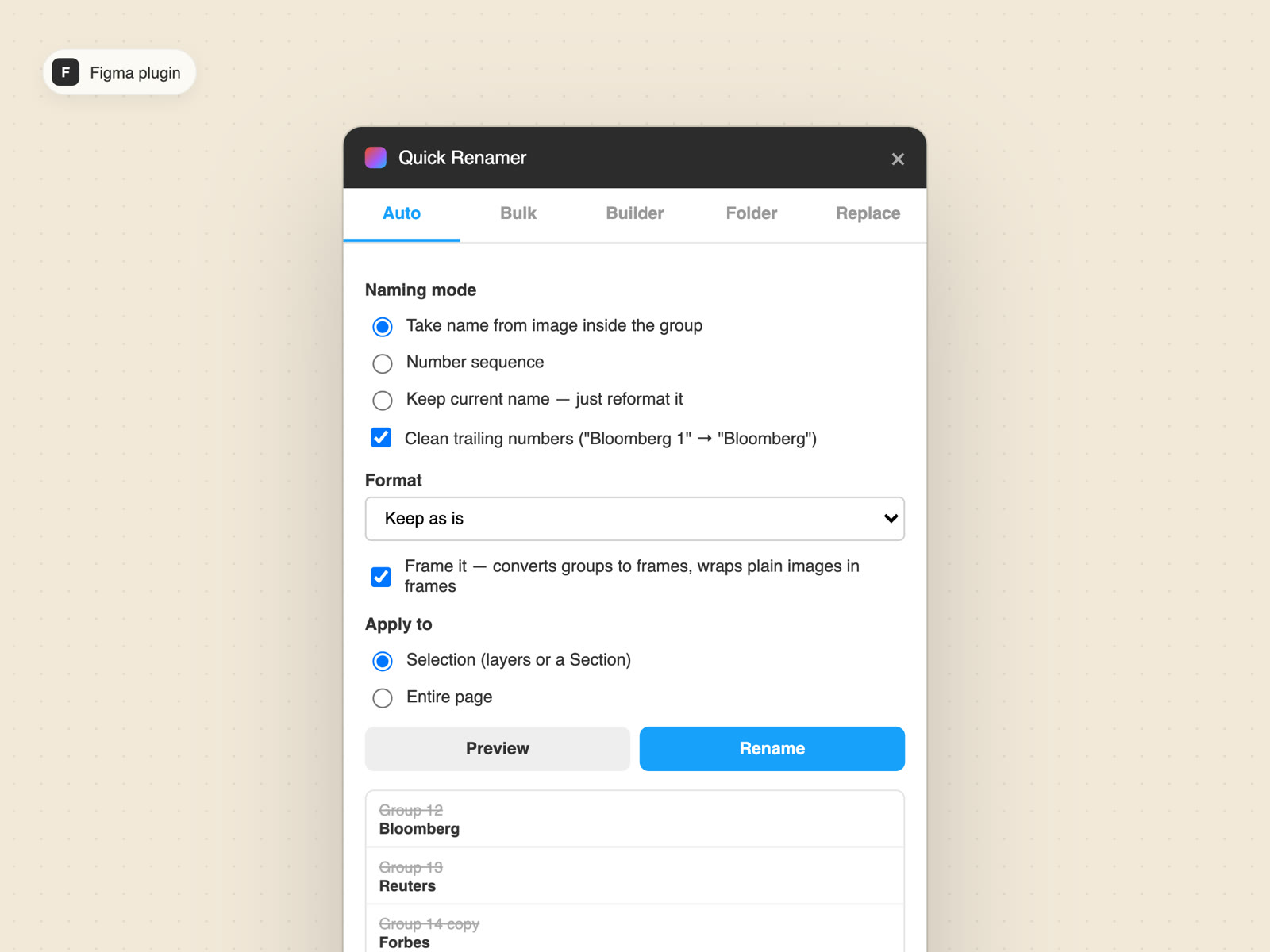
Quick Renamer
Asset names matter, and renaming by hand is slow and easy to miss. I type the names once and it renames everything in one go. It can also take names from the images inside groups, clean up trailing numbers and wrap groups in frames.
FIGMA PLUGIN
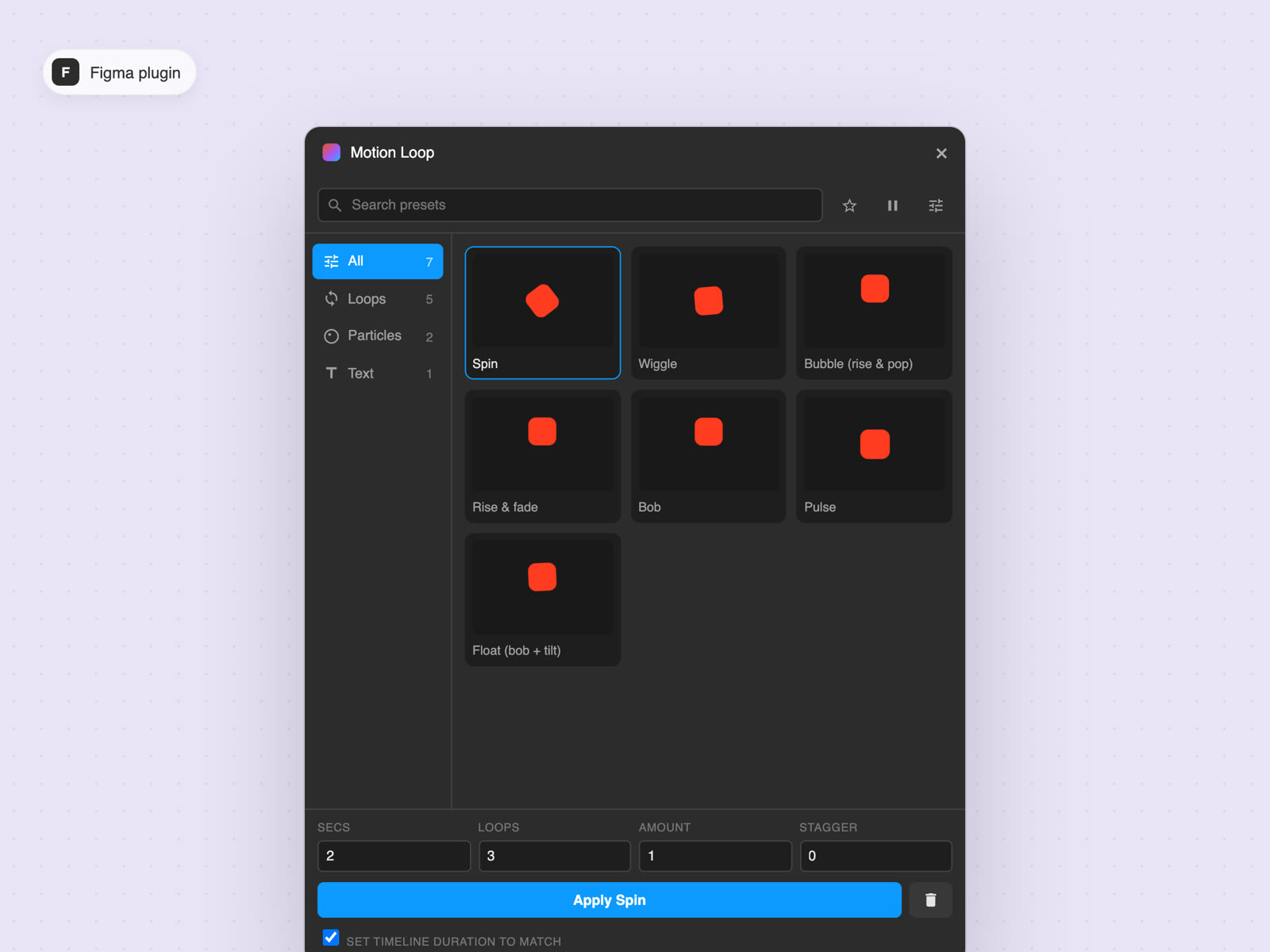
Motion Loop
Figma motion means keyframing everything by hand. Motion Loop has presets like spin, wiggle, bob and pulse that turn any layer into a seamless loop, with controls for length, loop count and stagger.
FIGMA PLUGIN
CopyCheck
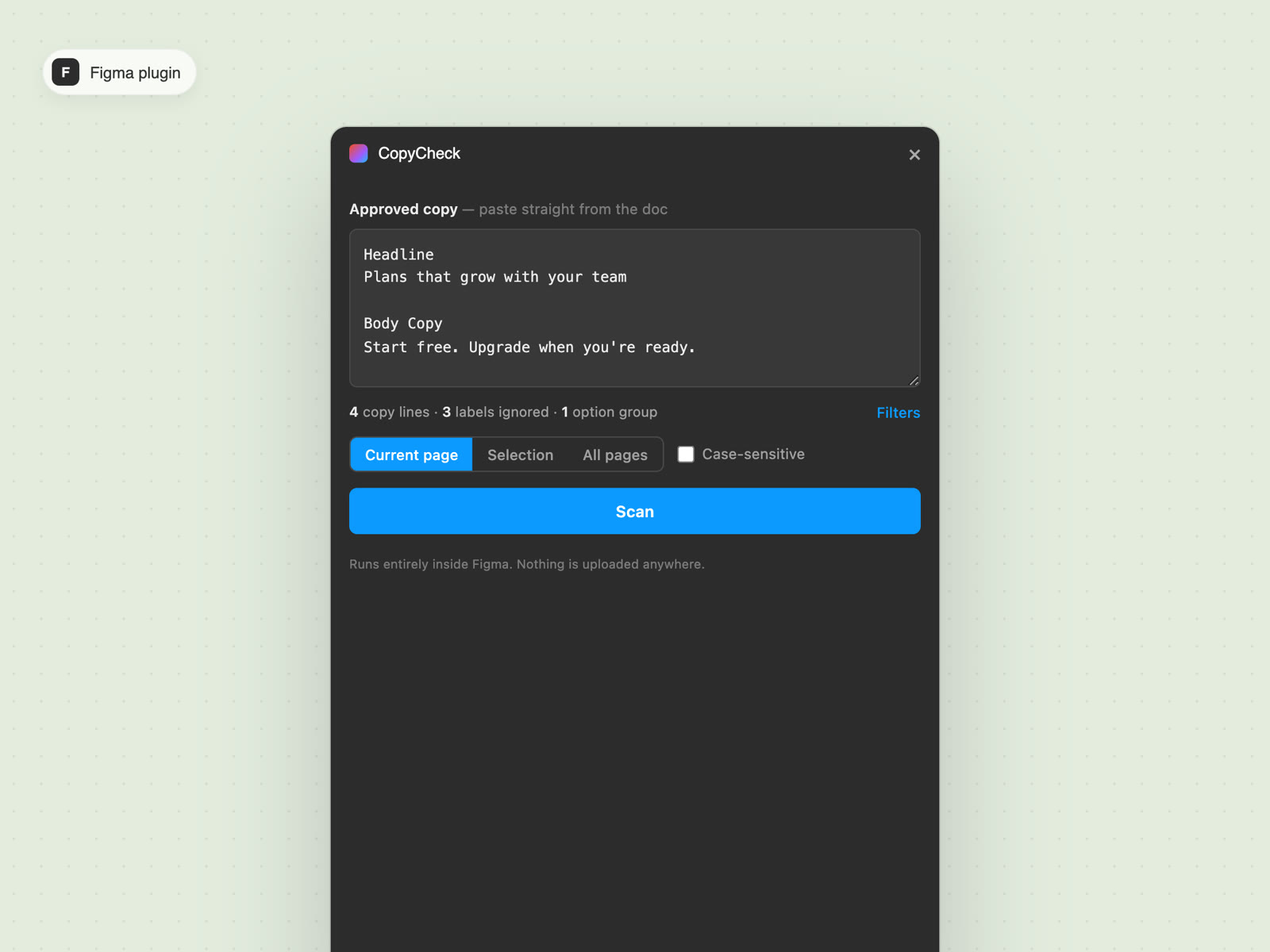
Copy changes late, and checking every line by eye misses things. Paste the approved copy from the doc and CopyCheck scans the file: exact matches, close ones with a word diff, and what's missing. It skips labels like "Headline" and understands option groups.
CHROME EXTENSION
Pin2GIF
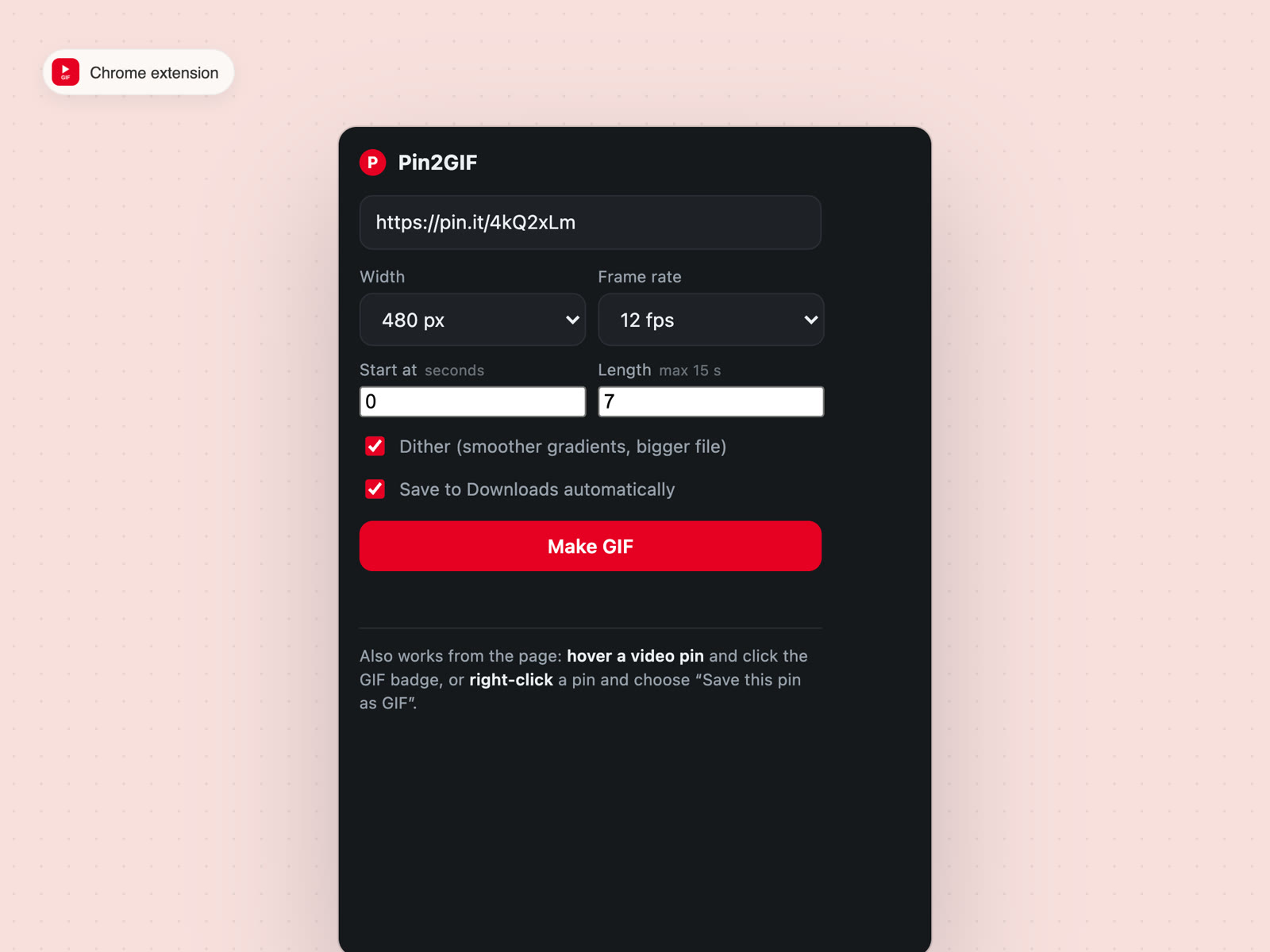
I save a lot of video references from Pinterest, and each one meant a trip to a converter site. Pin2GIF turns a pin into a GIF right in the browser. Paste the link, hover the pin or right-click it.
CHROME EXTENSION
StrikeStrip
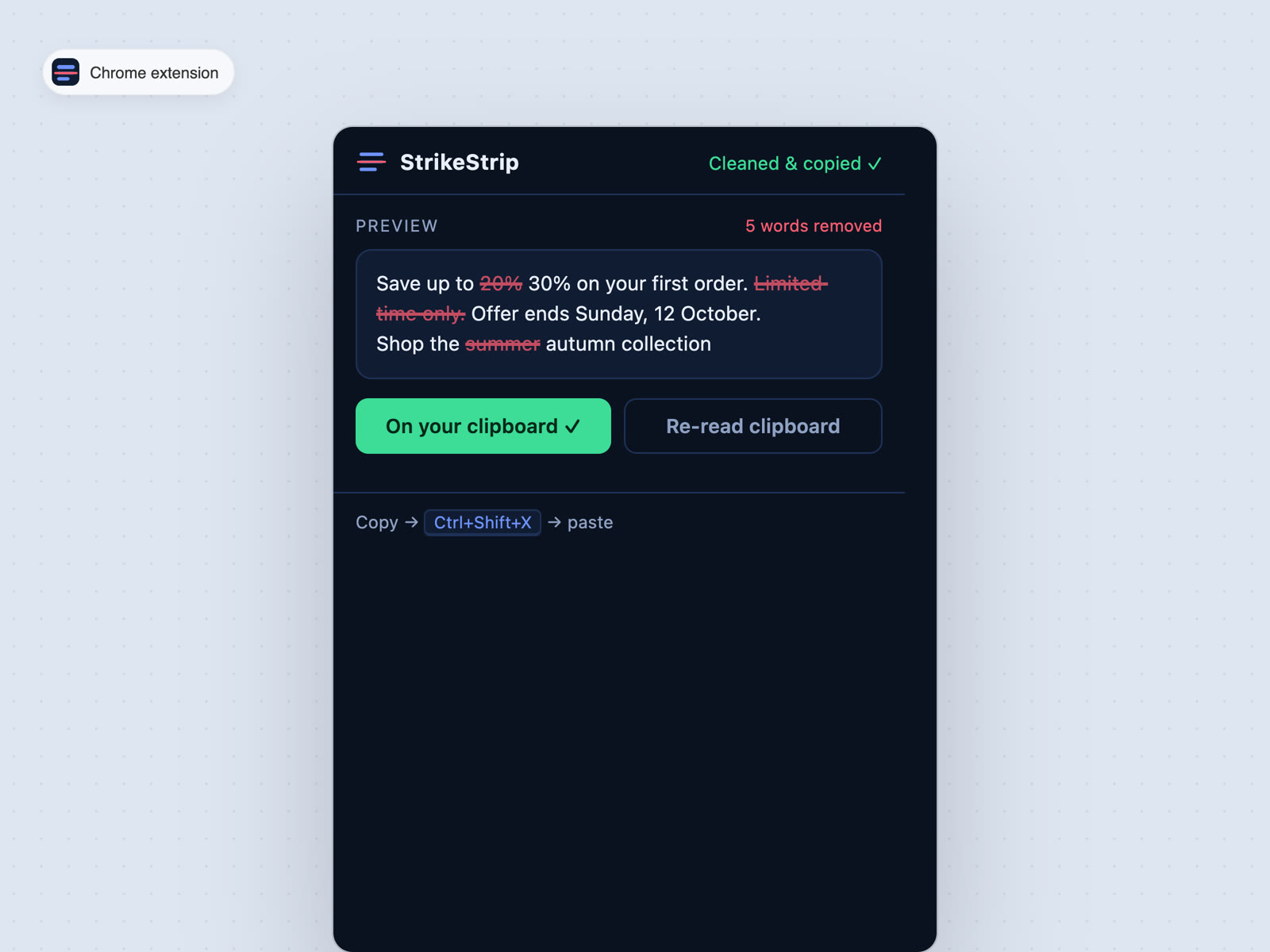
Copywriters edit in Docs and Slides with strikethrough. Pasting into Figma sometimes brought the struck words along, and wrong copy slipped through. StrikeStrip cleans the clipboard so only the live copy gets pasted.
CHROME EXTENSION
SlideSnap
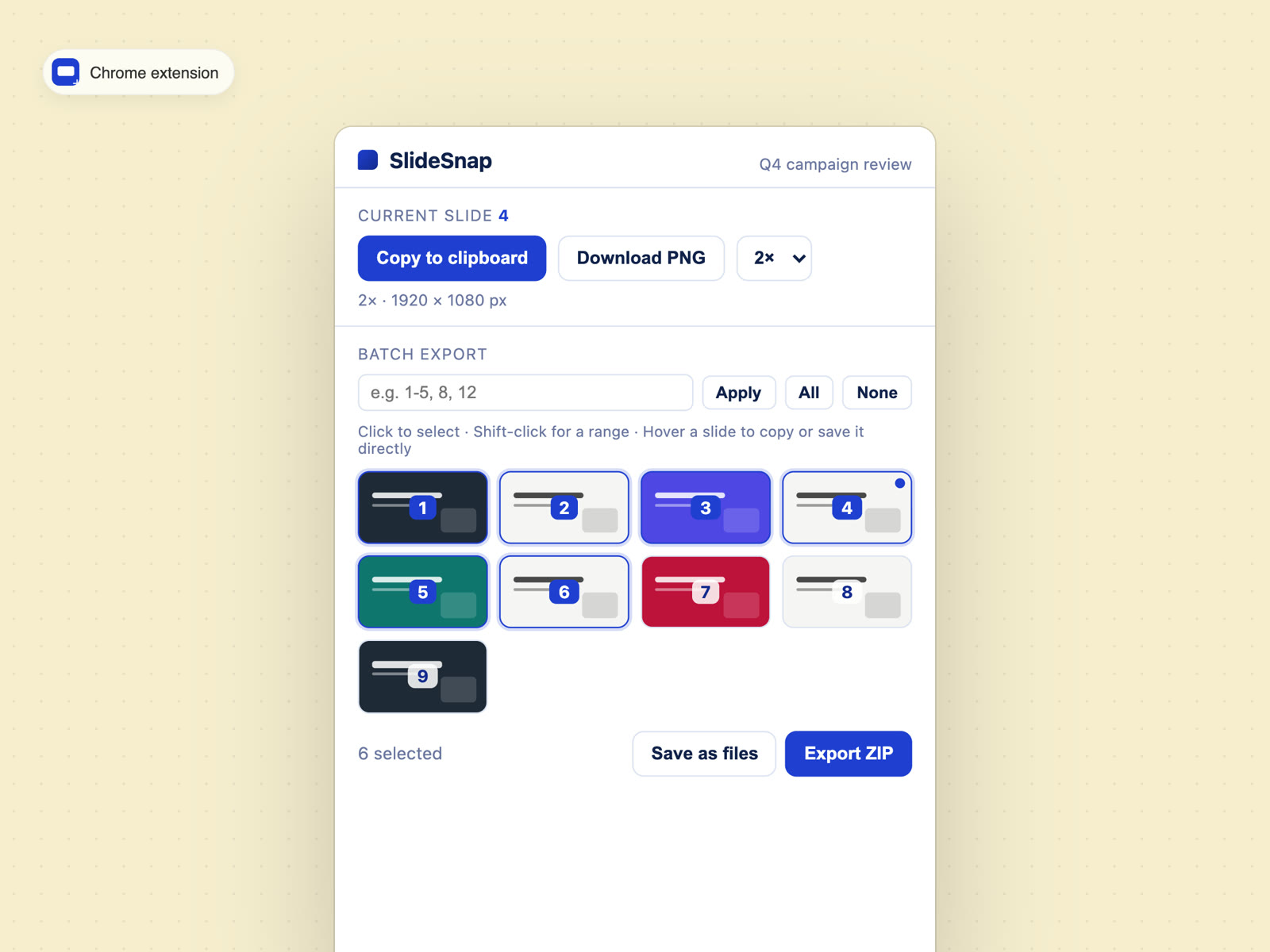
Grabs Google Slides pages as sharp PNGs at up to 4× size. Copy one slide, or export a whole range as a ZIP. I made it for my team.
02
What changed
Jobs that used to take a chain of manual steps now take a few clicks: renaming a batch of assets, moving components between pages, cleaning struck-through copy, exporting slides, turning a Pinterest video into a GIF.
The time I used to spend on that busywork now goes into the design itself, and fewer small mistakes slip through, like the wrong copy or a badly named layer.